New Faculty Orientation: Teaching and Learning at HKUST | SPRING 2026
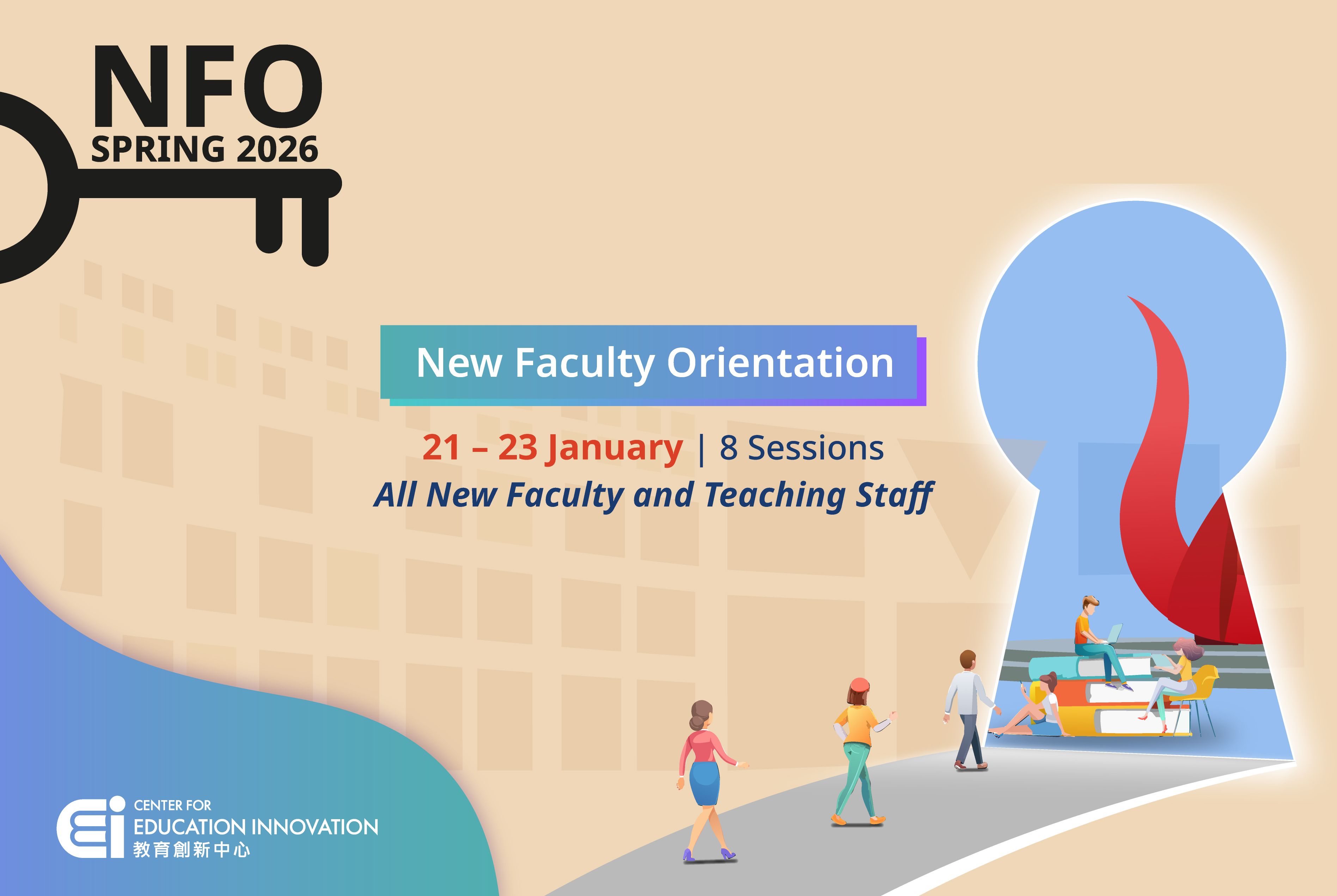
The New Faculty Orientation (NFO) is an essential program designed to introduce new faculty and teaching staff to the teaching and learning environment at HKUST. This comprehensive program includes 3 required sessions and 5 optional sessions, covering the undergraduate curriculum, our student demographics, teaching insights from award-winning professors, and essential eLearning platforms at HKUST. By participating in the NFO, new faculty and teaching staff will be better equipped to begin their teaching journey at HKUST, leveraging the knowledge and insights gained to provide a valuable academic experience for their students.
Program Schedule
• Introduction to the UG curriculum, T&L initiatives, and teaching expectations at HKUST.
• Overview of the role of CEI and the support available for teaching.
Insights into the student body, diversity, SEN at HKUST, and support from the Counselling and Wellness unit.
Experience sharing from faculty on good teaching practices that can enhance student learning.
Compulsory Sessions
The half-day new faculty orientation program at HKUST focuses on familiarizing new members with teaching and learning specifics at the university. Attendees will gain insights into the undergraduate curriculum, teaching methodologies, performance indicators, and strategic initiatives. Additionally, participants will learn about HKUST's diverse student demographic, characteristics, and study habits. There's also a session with a guide on collecting student feedback for the continual refinement of teaching methods. The program concludes with a session featuring experienced faculty sharing good teaching practices to enhance student learning.
Canvas is a comprehensive and user-friendly Learning Management System (LMS) adopted by the University. This workshop is designed for new faculty and teaching staff, offering you a fundamental understanding of the essential functions and settings in Canvas, helping you swiftly begin using it for your teaching needs. After this workshop, you will be able to:
- describe the workflow and logistics involved in course creation for a semester
- configure a course site with appropriate settings and tools
- present and manage course content effectively
- manage and communicate with course participants
You will receive the LMS-001 AEE badge after completing the online workshop and the end-of-course online quiz.
This workshop is designed for new faculty and teaching staff who have not used Zoom for teaching to get familiar with the basic features and setup of Zoom for live online teaching and help transition from in-person lectures to live online lessons with interactive experiences. After this workshop, you will be able to:
- locate Zoom global and basic settings
- schedule Zoom sessions with appropriate settings
- utilize Zoom features (e.g. share screen, annotate, chat, raise hand, and mute/unmute) to facilitate live interactive online lessons
- identify the roles of the host and co-host in a Zoom session
- access and share Zoom recordings after a class
- obtain the Zoom attendance report after a class
You will receive the ZOOM-001 AEE badge after completing the online workshop and the end-of-course online quiz.
Optional Deep-dive Sessions
This workshop is designed to help you familiarize yourself with how to combine Zoom’s interactive features to create dynamic, engaging, and student-centered live online learning experiences. You will be equipped with both pedagogical strategies and technical skills necessary to design and facilitate interactive online classes that promote participation, collaboration, and real-time feedback. After this workshop, you will be able to:
- describe pedagogical best practices for using interactive tools to engage students in live online classes
- create and manage polls to assess understanding and encourage participation
- set up and facilitate Breakout Rooms for collaborative learning activities
- utilize whiteboard tools and annotation features to promote interaction and idea sharing
- manage host and co-host settings effectively to support a smooth, interactive session
- integrate polling, breakout rooms, and whiteboards into a cohesive lesson design that maximizes student engagement and learning outcomes
You will receive the ZOOM-002, -003, -004 AEE badges after completing the online workshop and the end-of-course online quizzes.
This self-paced course is designed to equip you with fundamental skills for setting up assessments and releasing grades in Canvas. After this course, you will be able to:
- create and set up different types of assessments
- develop grading rubrics for effective evaluation
- utilize various options to grade assignments and provide valuable feedback
- manage the release of assignments and course grades to students
You will receive the LMS-002 AEE badge after completing the online workshop and the end-of-course online quiz.
This self-paced course is designed to equip you with fundamental skills for setting up Turnitin assignments in Canvas and interpreting the Similarity Report. After this course, you will be able to:
- set up assignments with Turnitin originality checks
- grade Turnitin assignments in Canvas SpeedGrader
- access and interpret Turnitin originality reports
You will receive the LMS-003 AEE badge after completing the online workshop and the end-of-course online quiz.
This self-paced course is designed to equip you with fundamental skills for setting up Groupings in Canvas and incorporating the groupings into different Canvas functions. After this course, you will be able to:
- create and manage student groups in Canvas
- recall the key features and tools available for group collaboration
- set up group assignments and discussions
- grade group assignments and discussions
You will receive the LMS-004 AEE badge after completing the online workshop and the end-of-course online quiz.
With Mixed-Mode teaching, you can engage with your students both in-person and online. You can even invite guest speakers from overseas to add some diversity and enrich your teaching experience. This approach ensures that everyone stays connected and engaged, regardless of their physical location. After this course, you will be able to:
- describe Mixed Mode and Mixed Mode Lite teaching, and determine the appropriate use of each based on relevant factors
- describe how different learning activities can be effectively facilitated in Mixed Mode teaching
- leverage TA support effectively in Mixed Mode teaching
- recognize recommended classroom equipment setup at the CWB campus
- recall HKUST resources and support for Mixed Mode teaching
Relevant Events
New Faculty Orientation: Teaching and Learning at HKUST | FALL 2025

New Faculty Orientation: Teaching and Learning at HKUST | SPRING 2025
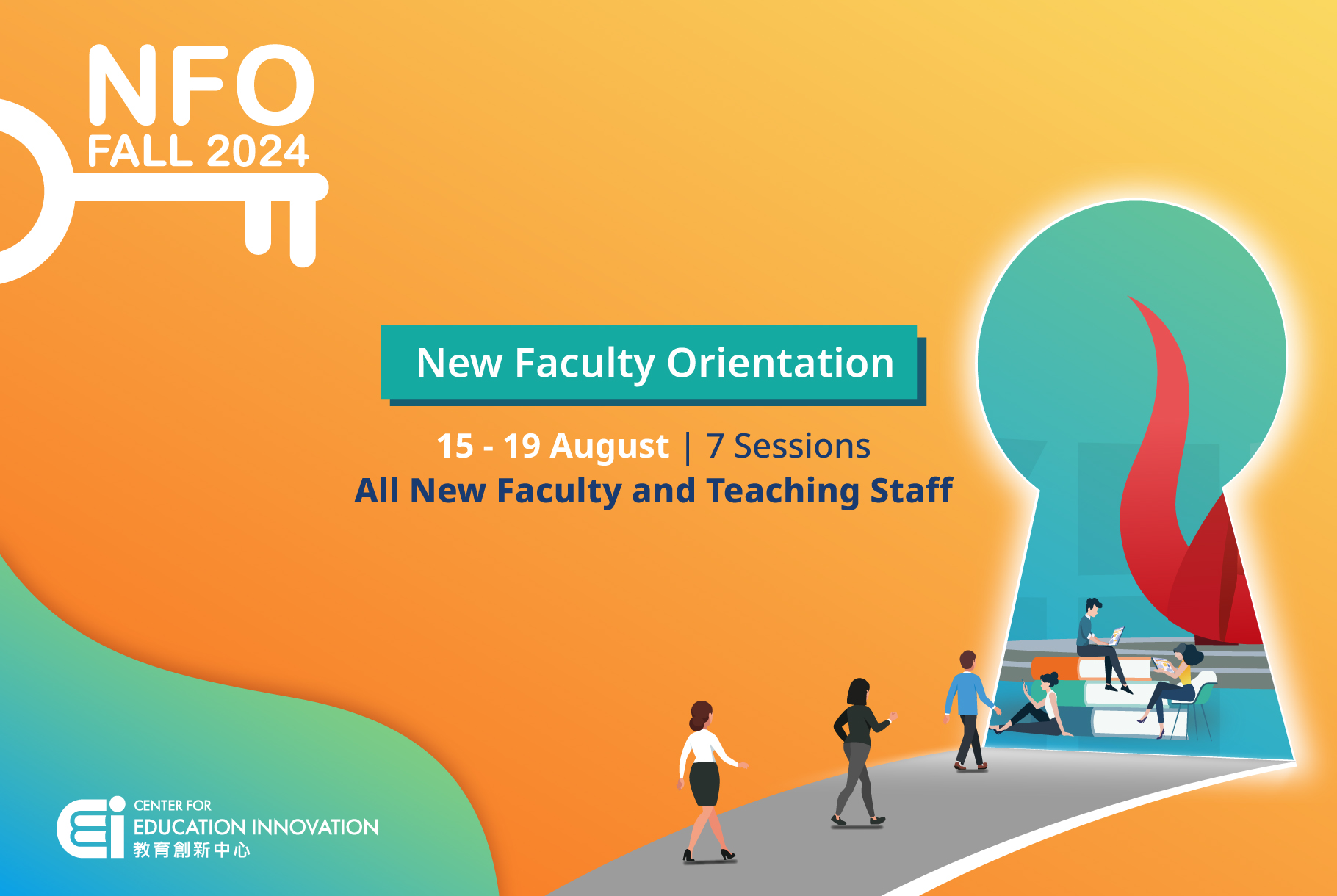
New Faculty Orientation: Teaching and Learning at HKUST | FALL 2024
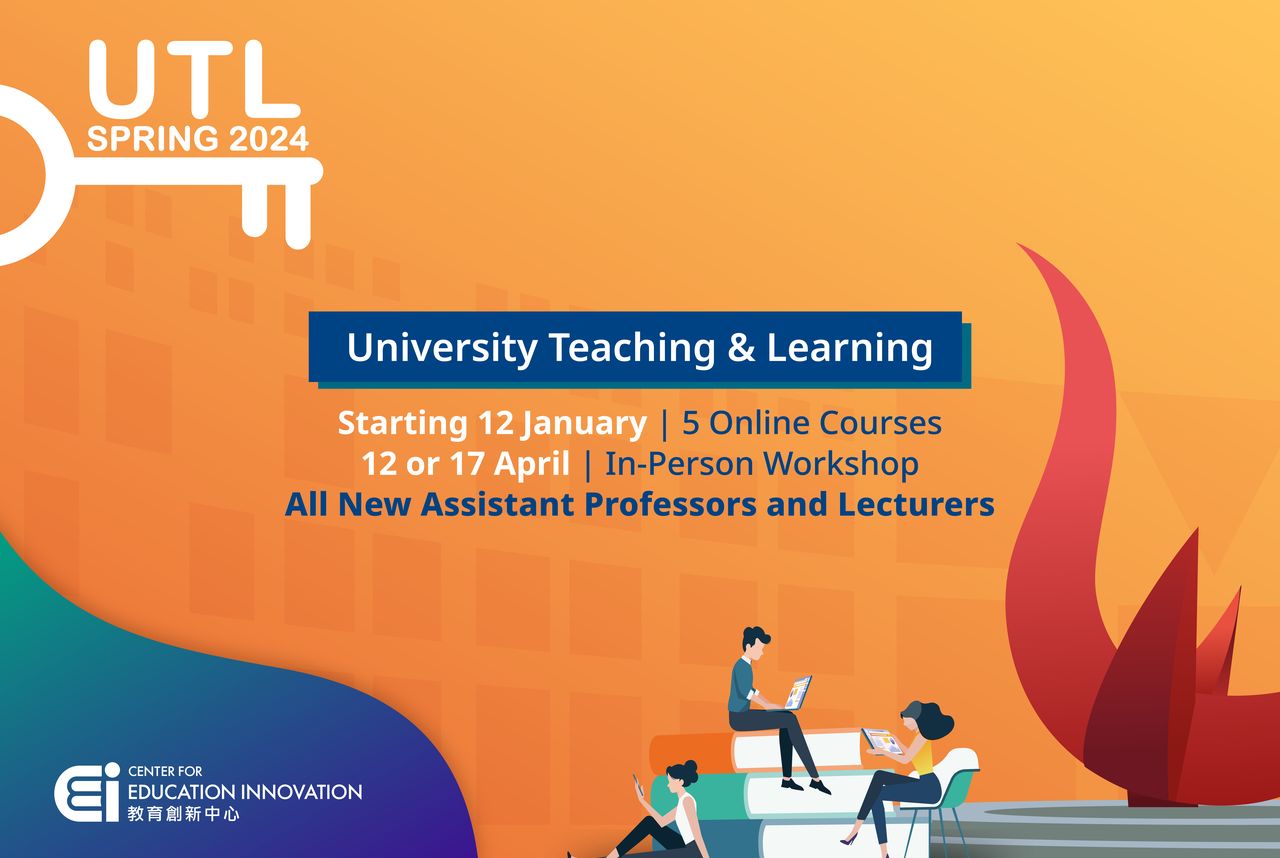
University Teaching and Learning (UTL) Program | Spring 2024
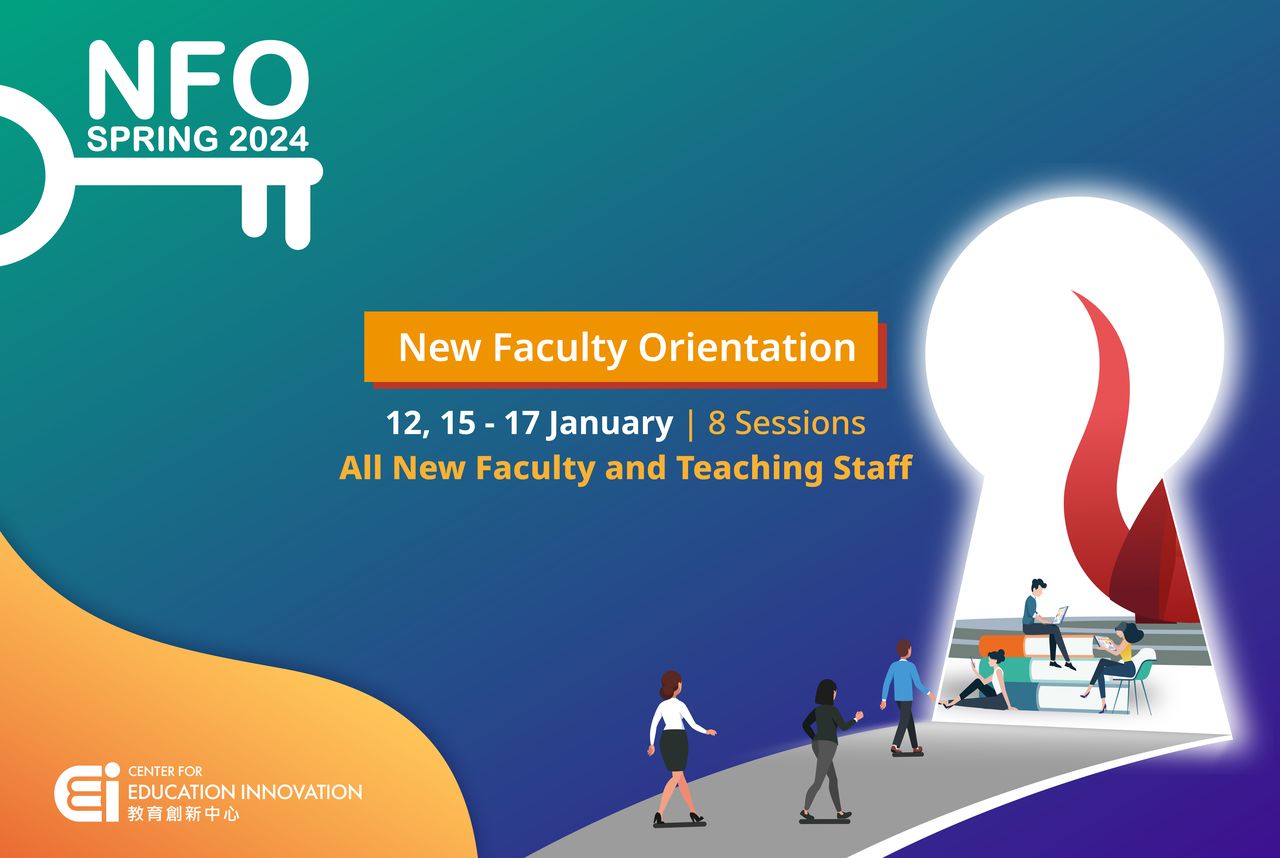
New Faculty Orientation: Teaching and Learning at HKUST | Spring 2024
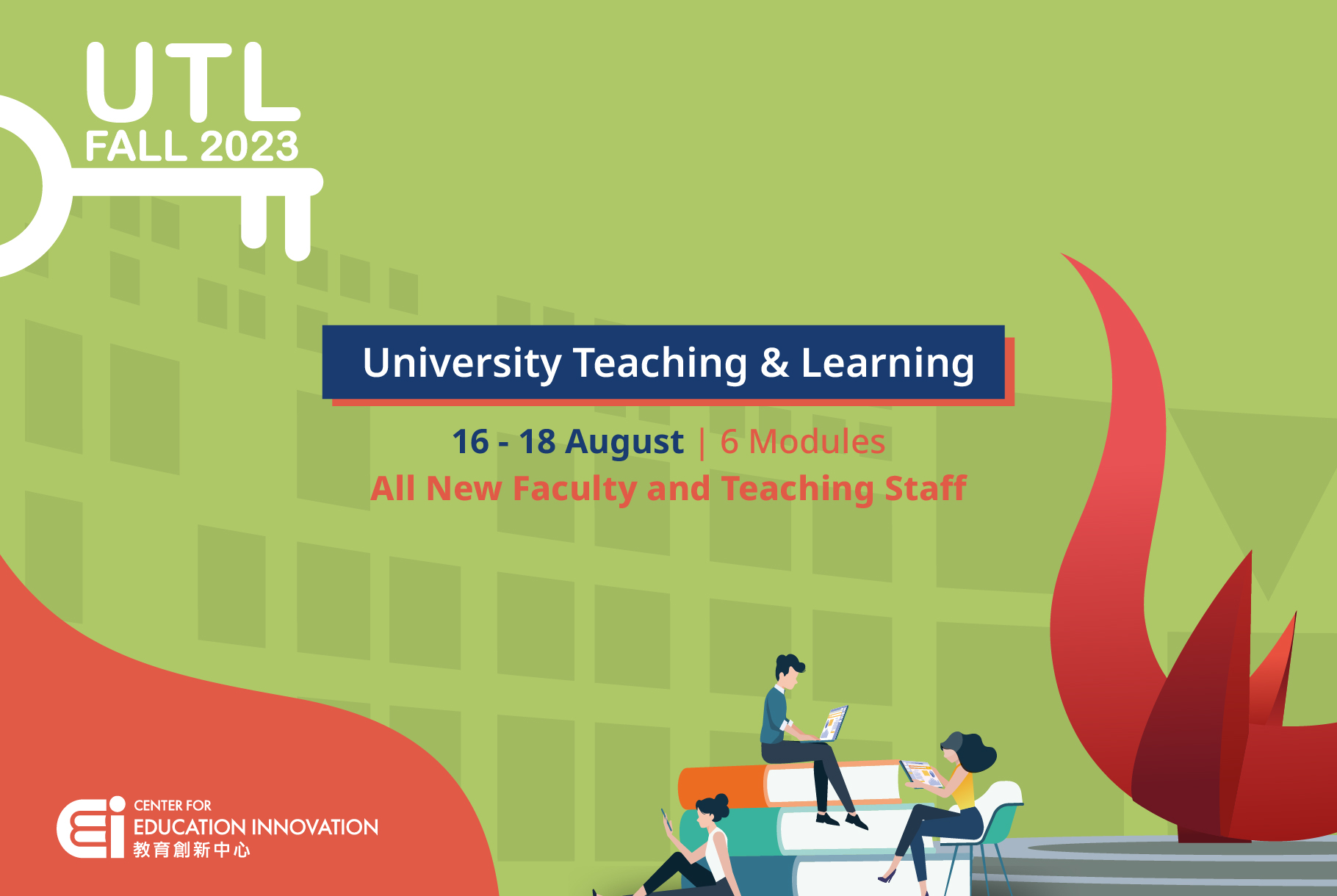
University Teaching and Learning Course | Fall 2023

New Faculty Orientation: Teaching and Learning at HKUST | Fall 2023
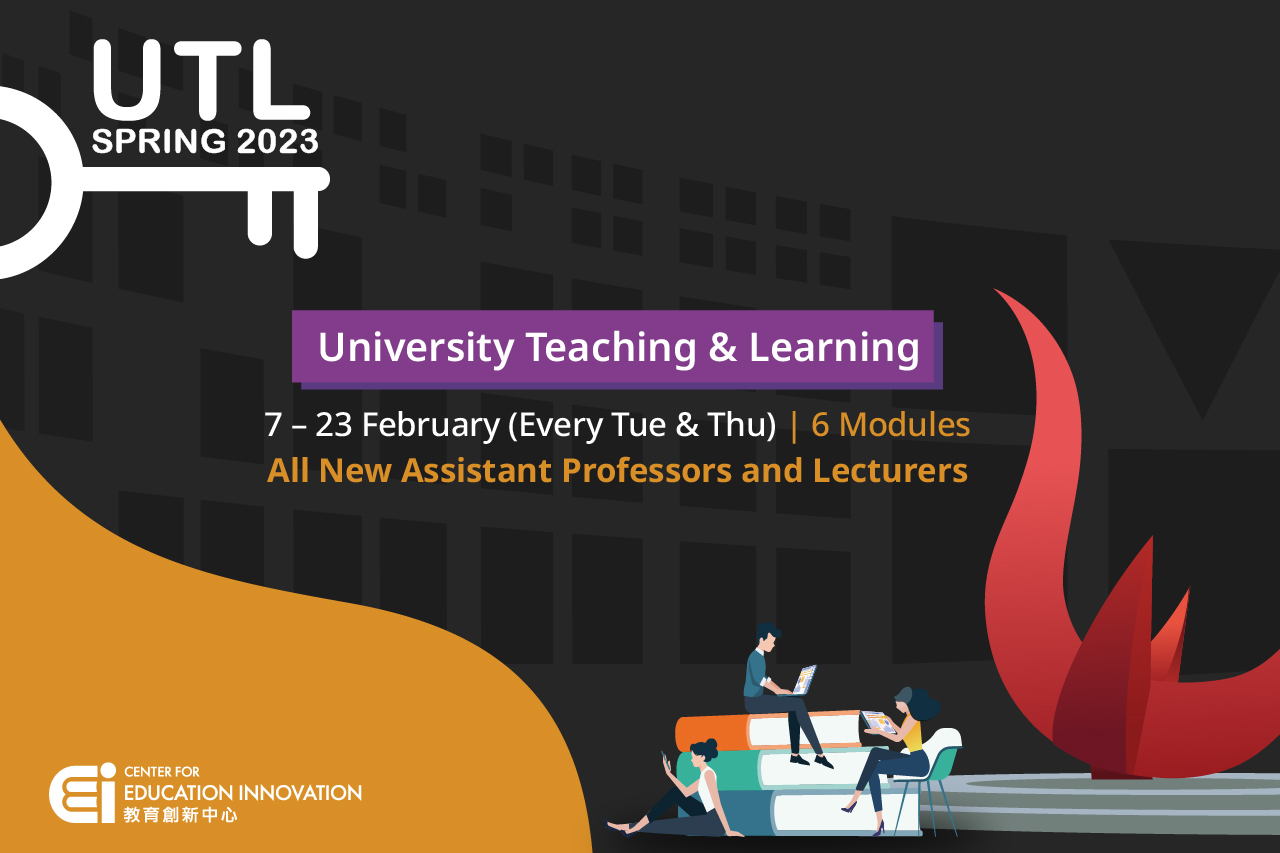
University Teaching and Learning Course | Spring 2023

New Faculty Orientation: Teaching and Learning at HKUST | Spring 2023
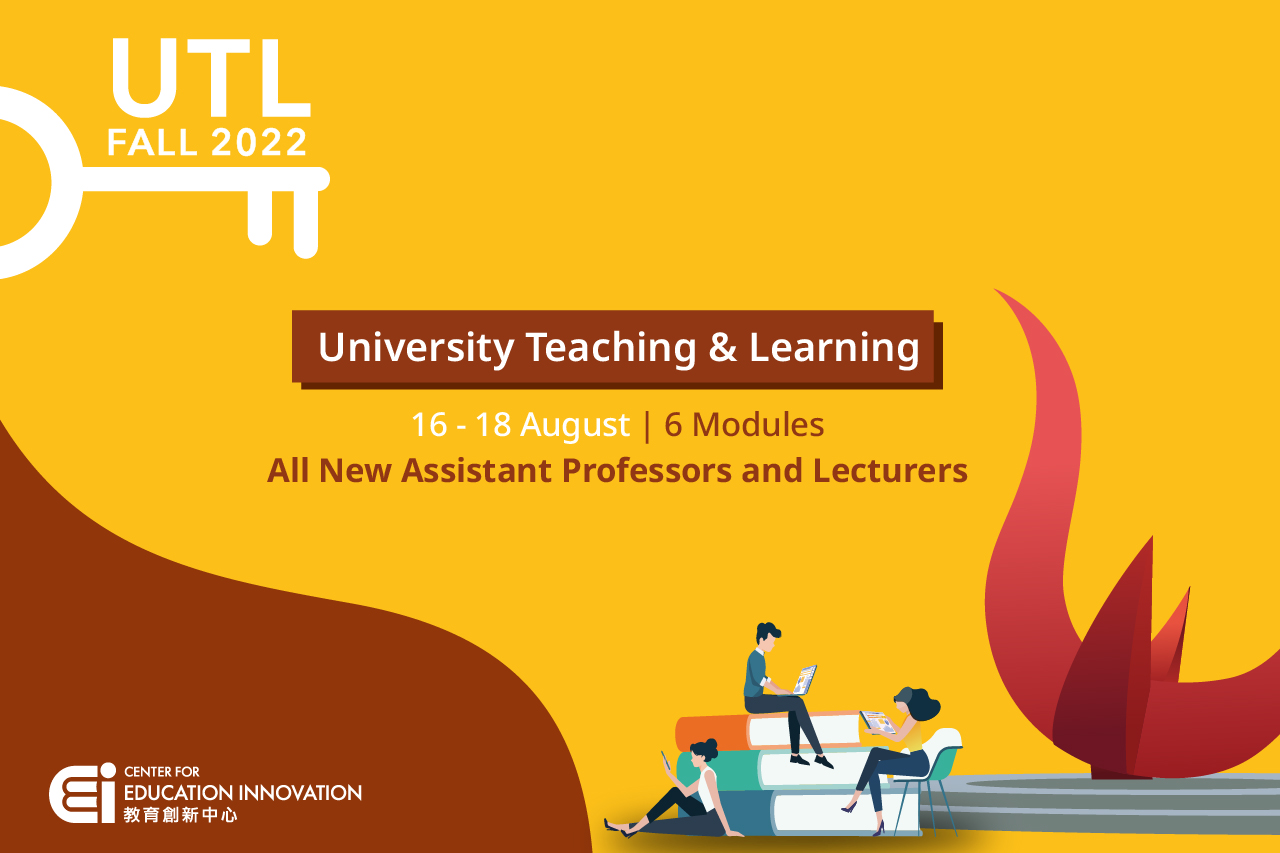
University Teaching and Learning Course | Fall 2022
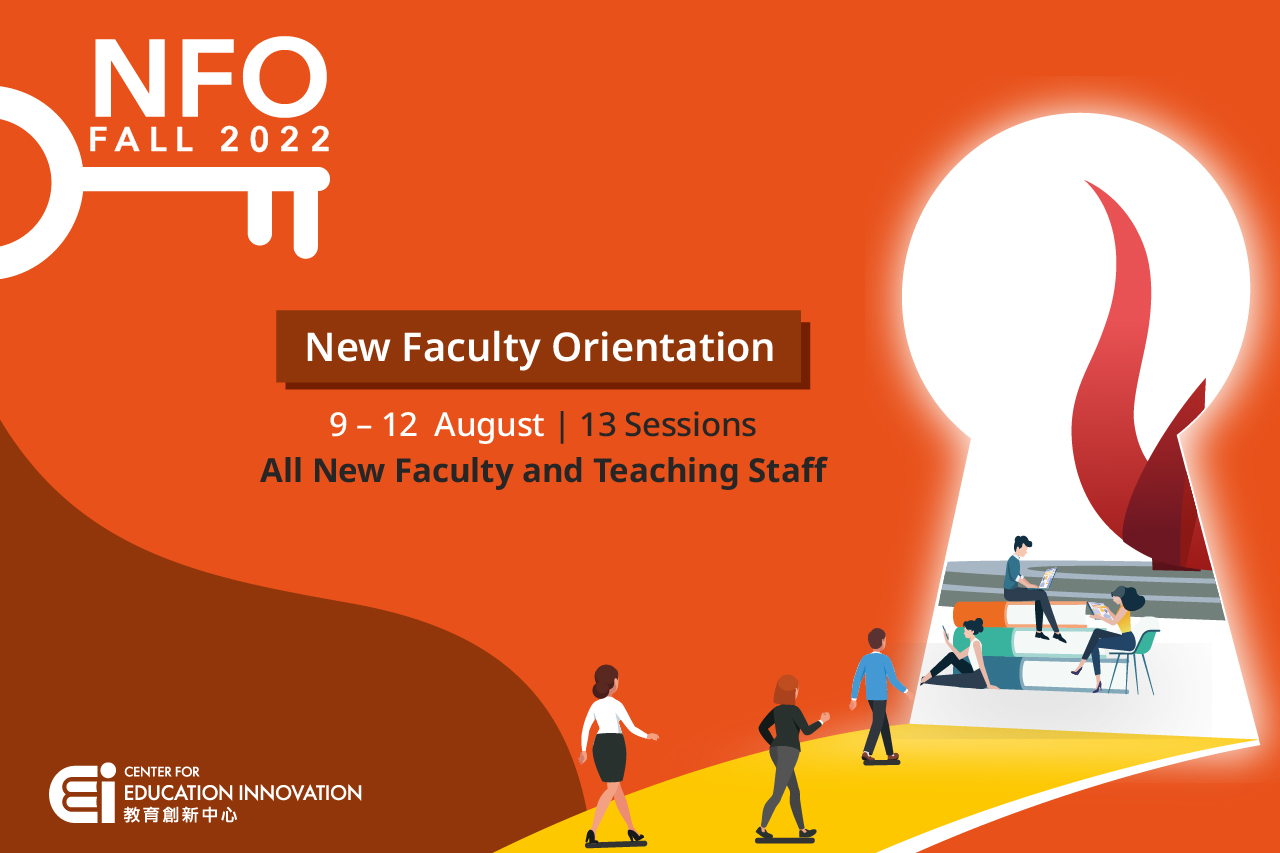
New Faculty Orientation: Teaching and Learning at HKUST | Fall 2022
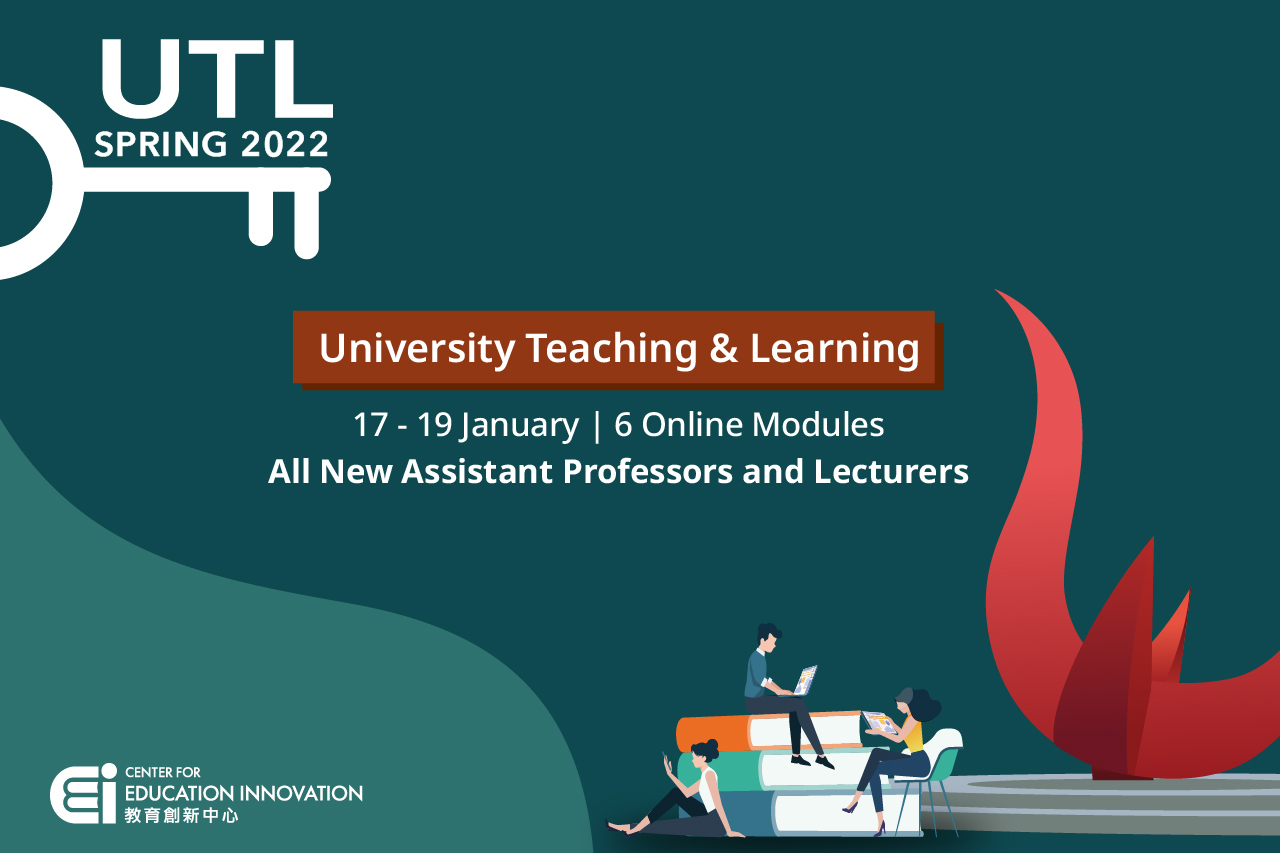
University Teaching and Learning Course | Spring 2022
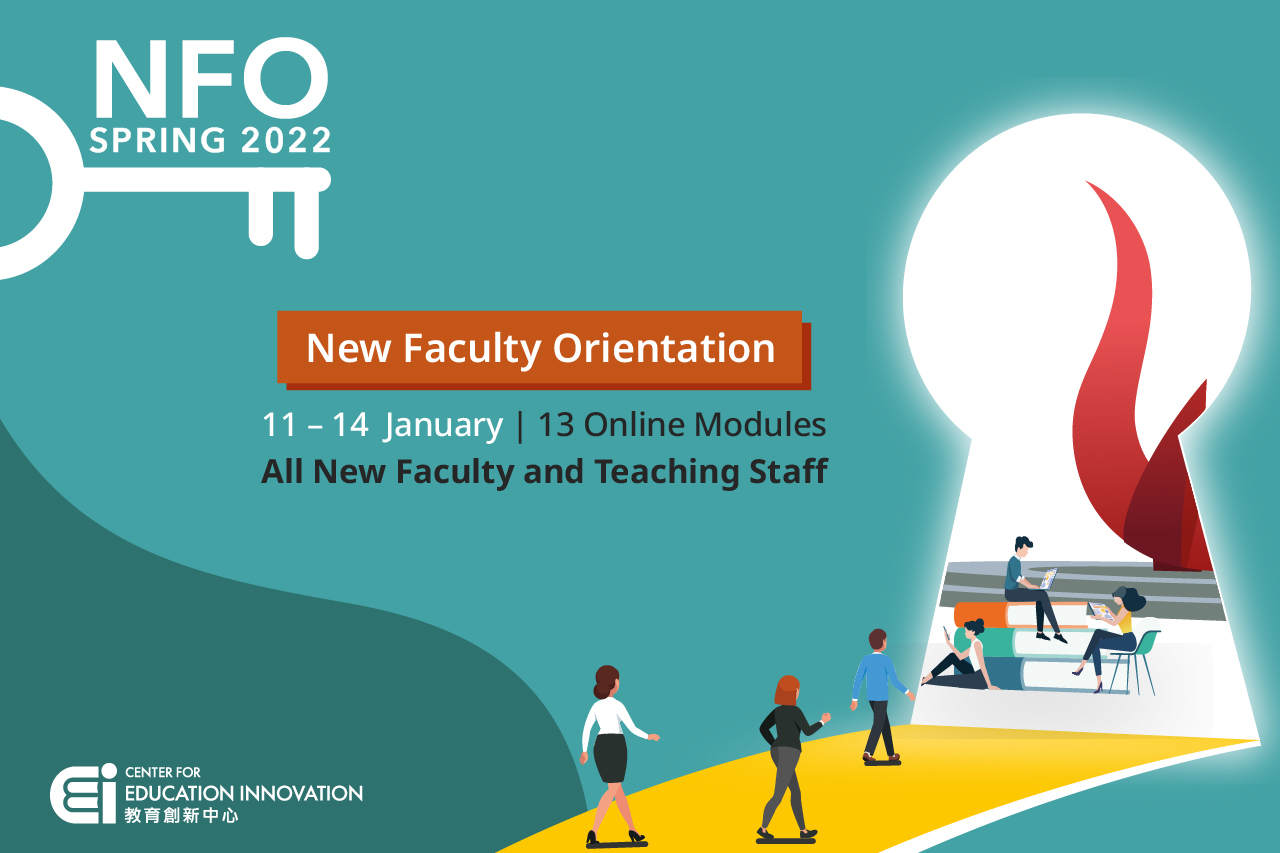
New Faculty Orientation: Teaching and Learning at HKUST | Spring 2022
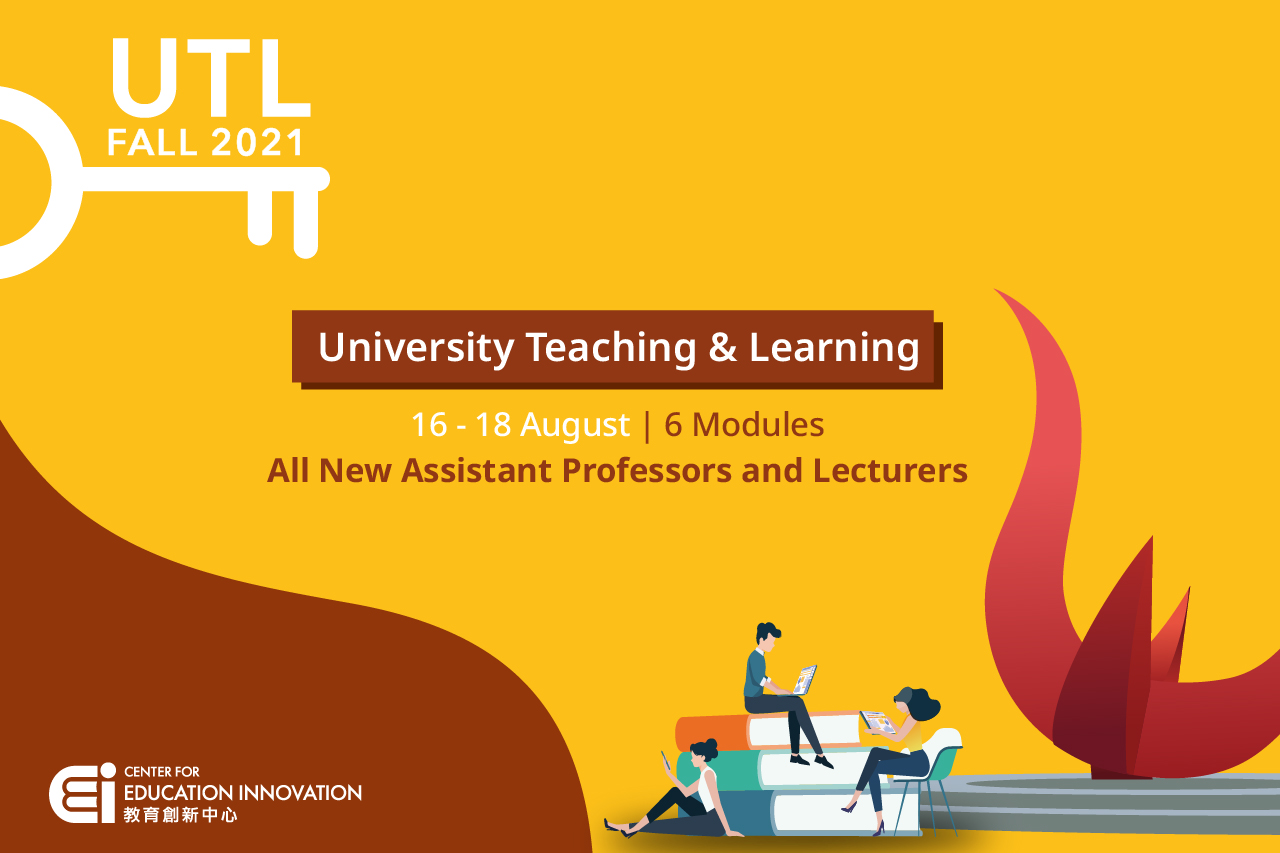
University Teaching and Learning Course | Fall 2021